



EveryLingo at a glance
The short version, for parents and for anyone asking.
- What it is
- A vocabulary app for children aged 0 to 6, for families raising one, two or more languages.
- Games
- Six picture-and-sound games: Flashcards, Memory Match, Sound Match, Listening Match, Reading Match and Word Blocks.
- Words
- 720+ ready-made words with pictures and audio, in nine categories: Animals, Food, Objects, Nature, Colours, Numbers, People, Verbs and Flags.
- Languages
- 142 language options, covering 75 languages and their regional variants. Add any other language or dialect yourself.
- Your own words
- Add words with your own photos and voice recordings. Create up to 10 free, or up to 500 in the full version.
- Price
- Free to try with no sign-up. The full version is a one-time payment of $29.99 USD, with no subscription.
- Safe for children
- No ads in the app. Accounts belong to parents and caregivers, and children never sign up.
- Made by
- Every Lingo Software Pty Ltd, Australia. Early stage funded by the Central State Office for Croats Abroad.
- What it is not
- EveryLingo is a vocabulary tool, not speech therapy. It does not treat or diagnose anything.
Six games, one word at a time
Every word is a picture with a sound. Each game uses it in a new way, in one language or two.
Flashcards
Look at a picture and tap each word to hear it spoken.
Memory Match
Flip cards to find matching pictures, hearing each word as you go.
Sound Match
Hear a word and tap the picture it names.
Listening Match
Tap a picture to hear its word, then match it to the written word.
Reading Match
See a picture, hear the word and pick how it is written.
Word Blocks
Tap pairs of picture blocks to clear the board.
What you can do with it
Start with what is ready, then make it yours.
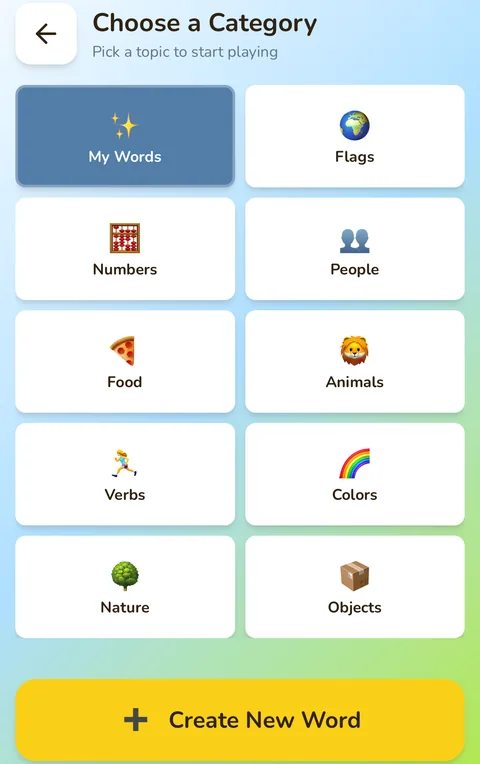
720+ ready-made words in nine categories
Animals, Food, Objects, Nature, Colours, Numbers, People, Verbs and Flags. Every word comes with a picture and audio pronunciation.
Browse categories142 language options, or add your own
Choose two languages from 142 options (75 languages and their regional variants), or play in one. Add any dialect, Indigenous language or minority language.
Explore languagesYour own photos and voice
Create cards with your own photos, or generate an AI image in the full version. Record the word in your own voice. Your cards play in all six games.
Create your first wordSay a word, get the card
Say or type a word in your language. EveryLingo can transcribe it, suggest a translation and create audio for your second language.
See how it worksExplore more
Real research, honest comparisons, and answers to the questions parents actually ask.
From the blog
Practical ideas and honest advice for families raising children with more than one language.
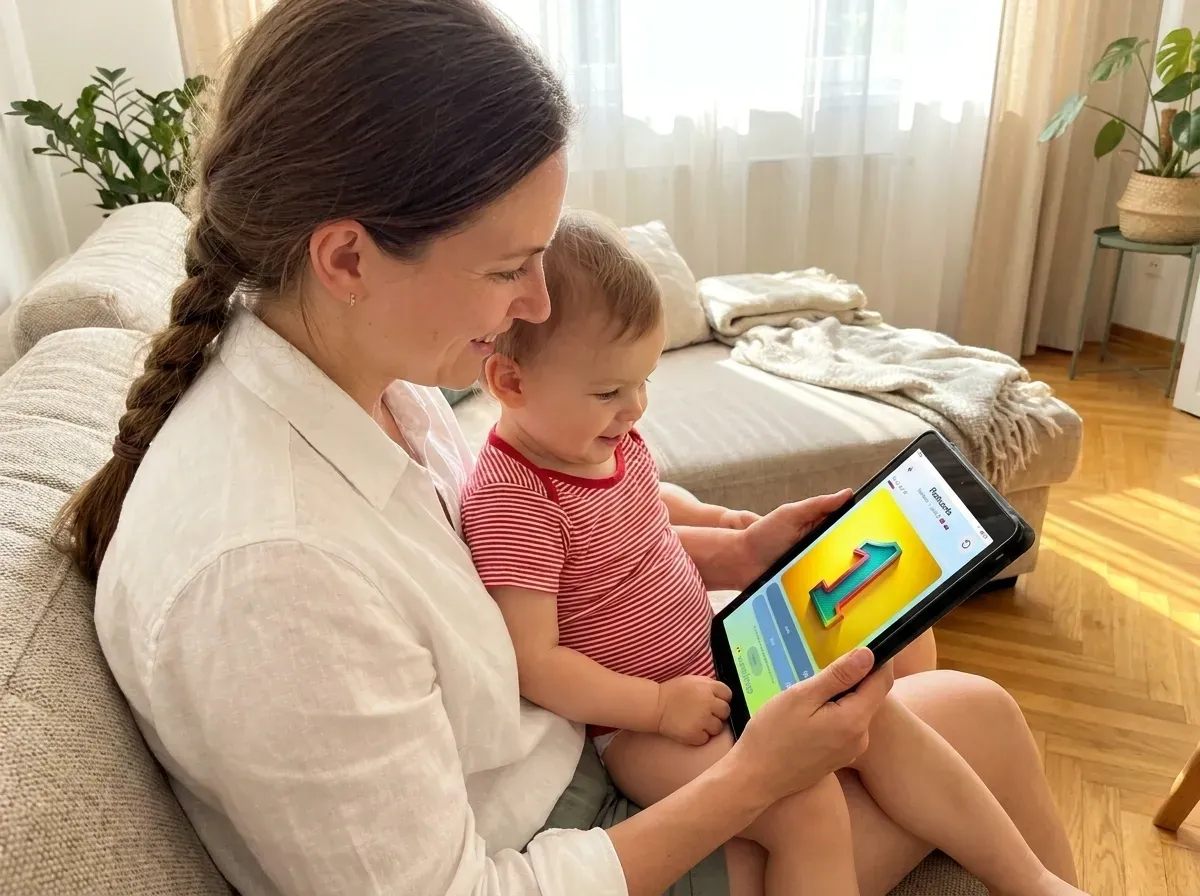 Make-Your-Own Flashcards for Bilingual ToddlersMake your own flashcards with your photos and voice, then play every card in six games.
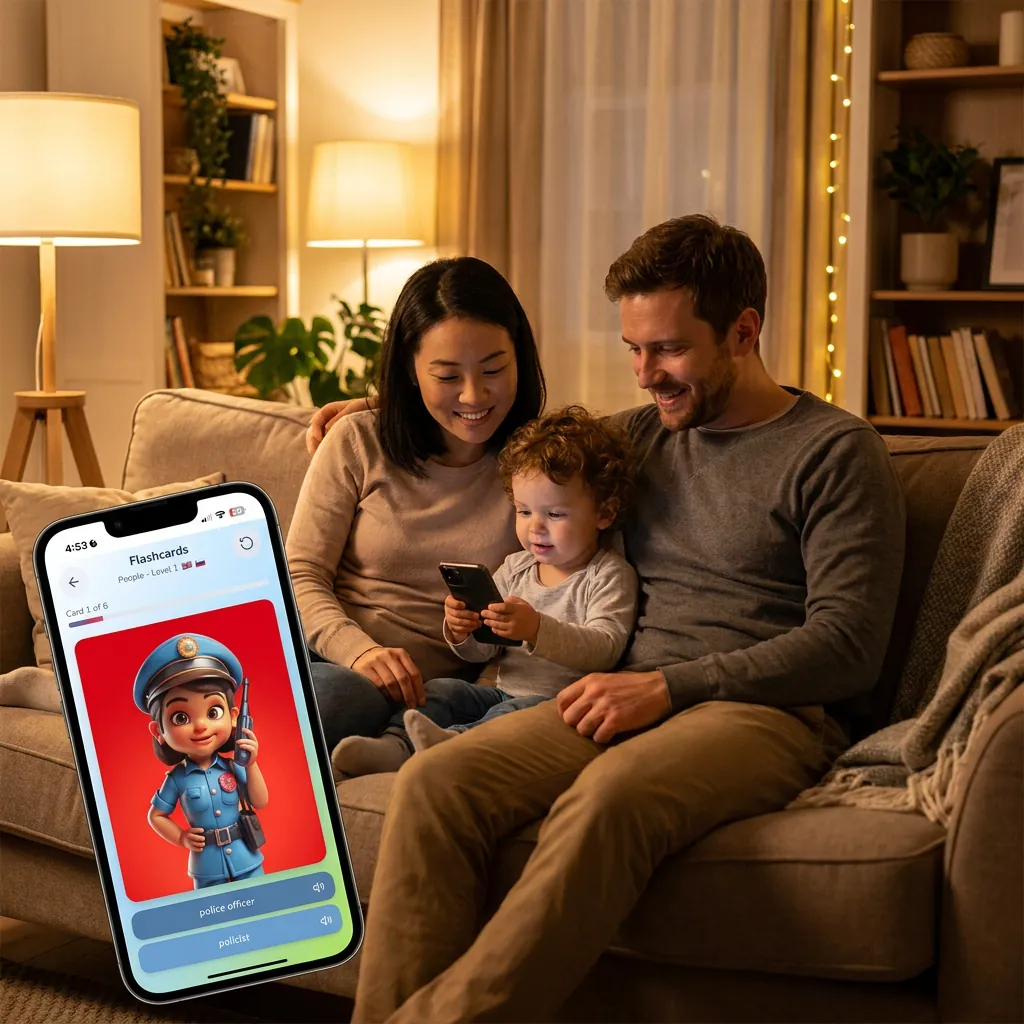 How to Build Your Toddler's Vocabulary in Two Languages at OnceToddlers can learn two languages at once. Simple ideas by age for building vocabulary in both.
 The Best Vocabulary Apps for Bilingual Kids in 2026An honest comparison of six apps for bilingual kids: who each is best for, and where each falls short.
Frequently asked questions
What is EveryLingo?
EveryLingo is a multilingual vocabulary app for children aged 0 to 6. Each word is a picture with a sound, and six games help children look, listen, match and read the same word in new ways, in one language or two.
How much does EveryLingo cost?
It is free to try, with no sign-up. The full version is a one-time payment of $29.99 USD, with no subscription.
Do I need an account to try it?
No. You can open the app, choose your languages and start playing without an account, an email address or payment details.
Which languages does EveryLingo have?
EveryLingo has 142 language options, covering 75 languages and their regional variants. You choose any two, or one on its own, and you can add any other language or dialect yourself.
Can I use my own photos and voice?
Yes. You can create word cards with your own photos and voice recordings, and they play in all six games. You can create up to 10 cards in the free version, and the full version has room for 500.
Is EveryLingo safe for children?
Children do not create accounts. The account belongs to a parent or caregiver, and the app shows no ads. Read the privacy policy for the details.
Is EveryLingo speech therapy?
No. EveryLingo is a vocabulary tool for families. It does not treat or diagnose anything, and it does not replace professional support.
Who makes EveryLingo?
EveryLingo is made by Every Lingo Software Pty Ltd in Australia. It was founded by a Croatian-born parent raising a bilingual child in Australia. Its early stage was funded by the Central State Office for Croats Abroad.
About EveryLingo
What is EveryLingo?
EveryLingo is a vocabulary-building app for young children, designed for families raising monolingual, bilingual or multilingual kids. It supports language learning from the very beginning, during the speech acquisition phase, when children are learning their first words. Families can explore ready-made vocabulary in 142 language options or create their own personalised word cards using photos, recordings and words from everyday life.
Who is EveryLingo for?
EveryLingo is made for families with young children in the speech acquisition phase. It is especially useful for multilingual and bilingual families, parents living abroad who want to keep their native language alive, families preserving minority or Indigenous languages, and anyone looking for a flexible, personalised approach to early language learning.
Why is EveryLingo important?
Every two weeks, the world loses a language, along with the stories, knowledge and culture it carries. Most mainstream language learning apps focus on a small set of global languages and fixed word lists. EveryLingo helps close this gap by giving families the ability to teach the words that matter most to them, in the languages they actually speak.
How to use EveryLingo?
Getting started takes seconds: no log-in, no account, nothing to set up. Open EveryLingo and start playing with the ready-made words and games, free. Whenever you’re ready, add your own word cards too: a photo, a recording in your own voice, a phrase from everyday life at home.
Our early stage was funded by the Central State Office for Croats Abroad